Zimmermann Election Centre
Family living room transformed into a data centre.
2026 saw historic parliamentary election results in Hungary, and I followed along with the events in the best way possible. Live results, multiple live streams, all from the comfort of our couch.
The Problem
During previous elections, it was always a struggle to follow the independent media outlets because many of them had exceptionally high-quality live streams with interesting guests. Our "solution" was utilising all the iPads, MacBooks, and iPhones in the household to put the streams on and try to switch between the streams on the TV as fast as possible. This was highly uncomfortable and unintuitive.
My MacBook always had a special task during election night. It was the source of live election results in districts important to my family. This meant that my laptop had tens of tabs open, and I had to switch tabs and hit refresh to find out the latest results.
All of this resulted in an uncomfortable experience with everyone's devices locked down. During all of these events, a part of my mind kept thinking about solutions.
The Solution
The solution I finally came up with for this year's elections gave us a way to enjoy the results lying back on the couch, with only an iPad and a keyboard to control everything.
The TV Setup
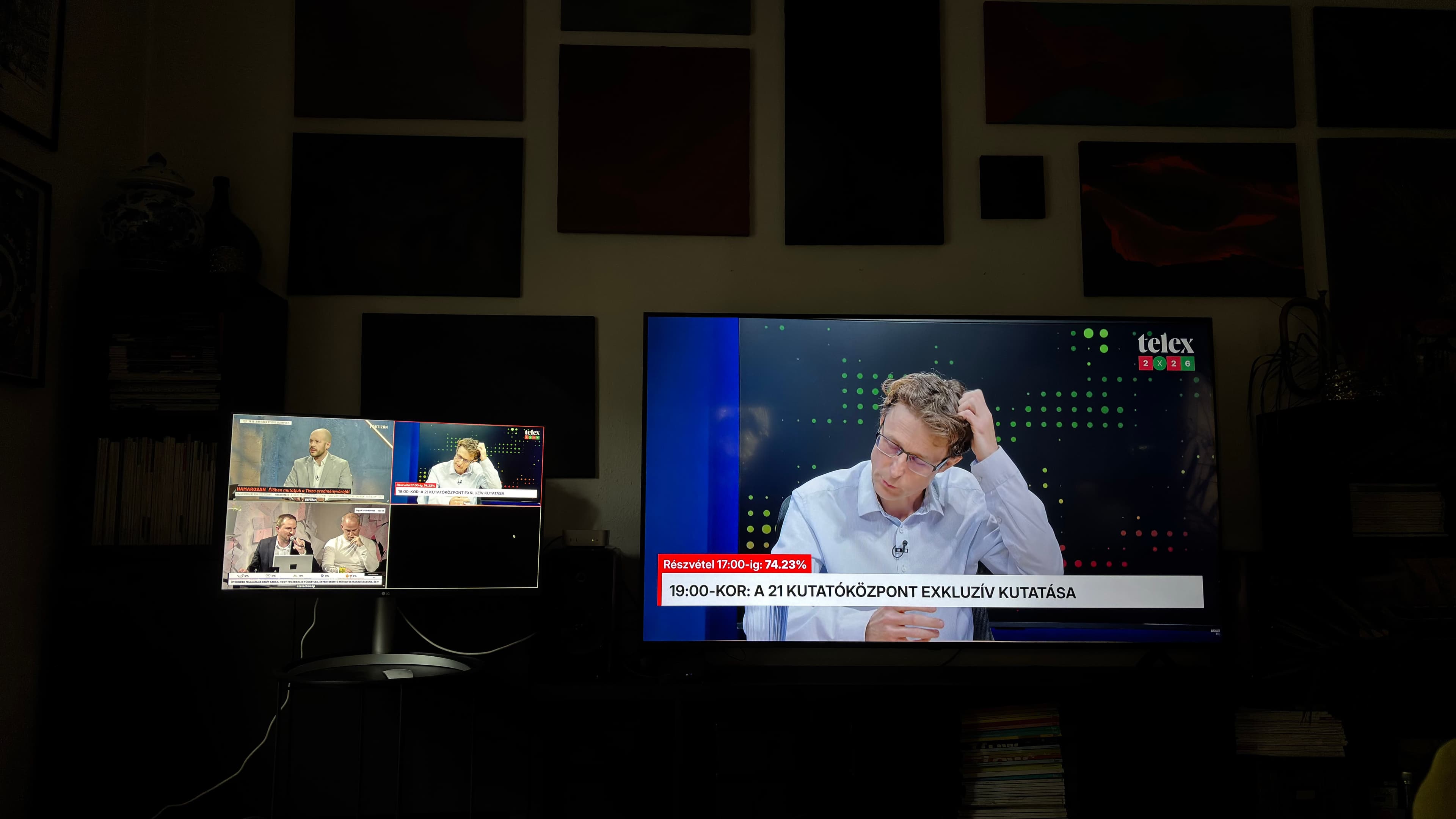
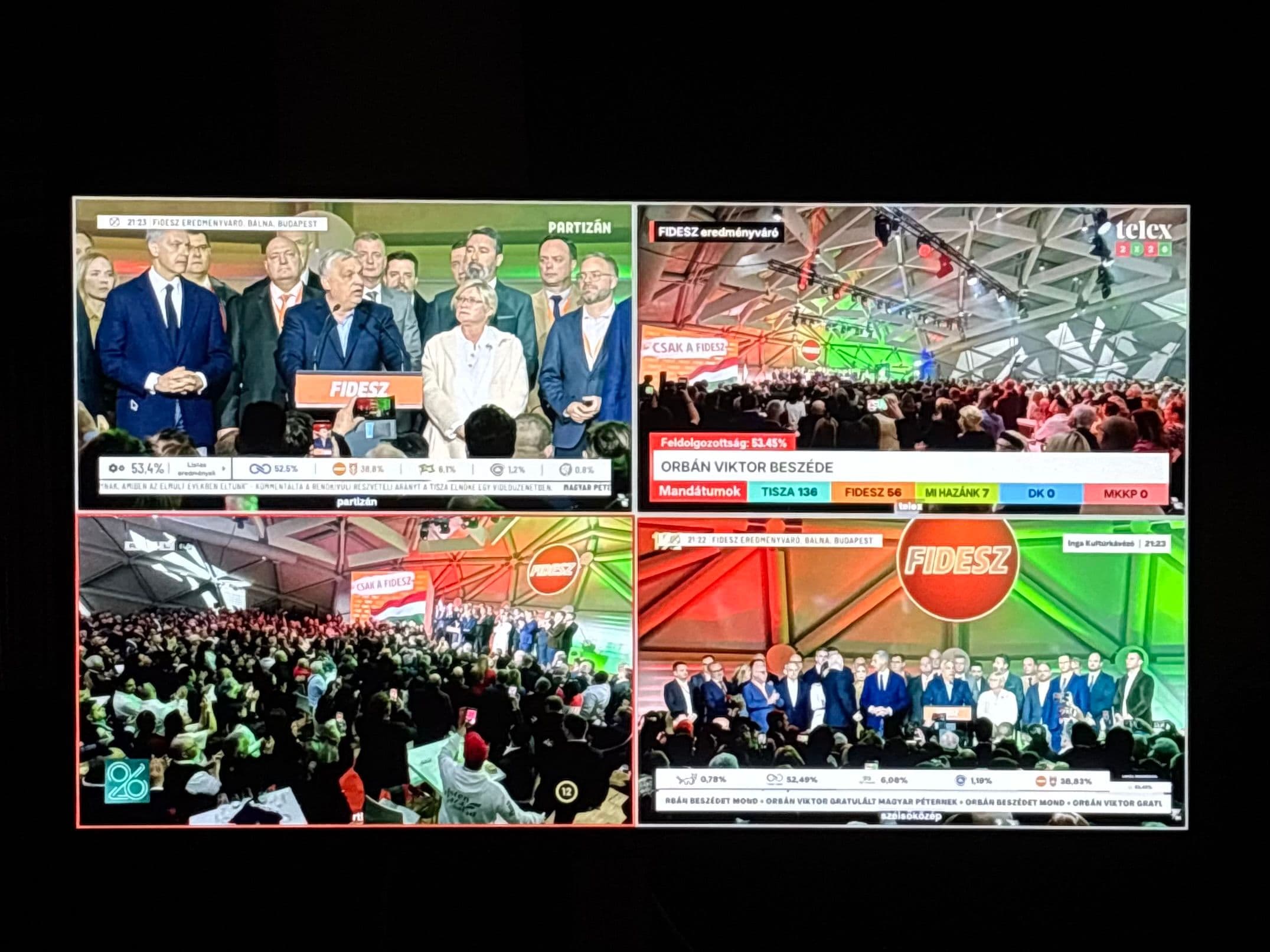
This part of the setup allowed us to monitor 4 different streams concurrently, while highlighting one of them for everyone to see and hear. The software used to achieve this was regular OBS running on an M4 Mac Mini. Each media outlet had its own scene with simply a browser source with the outlets live stream. The monitor was used as a "Multi-View" display, showing all 4 scenes at the same time, while the TV was the "Preview Projection" that showed the currently selected scene. Audio switching was achieved using OBS' audio monitoring feature, with the TV set as the monitoring output.
The Projection
The pièce de résistance of the night was the projection mapping of live results onto the paintings on the wall.
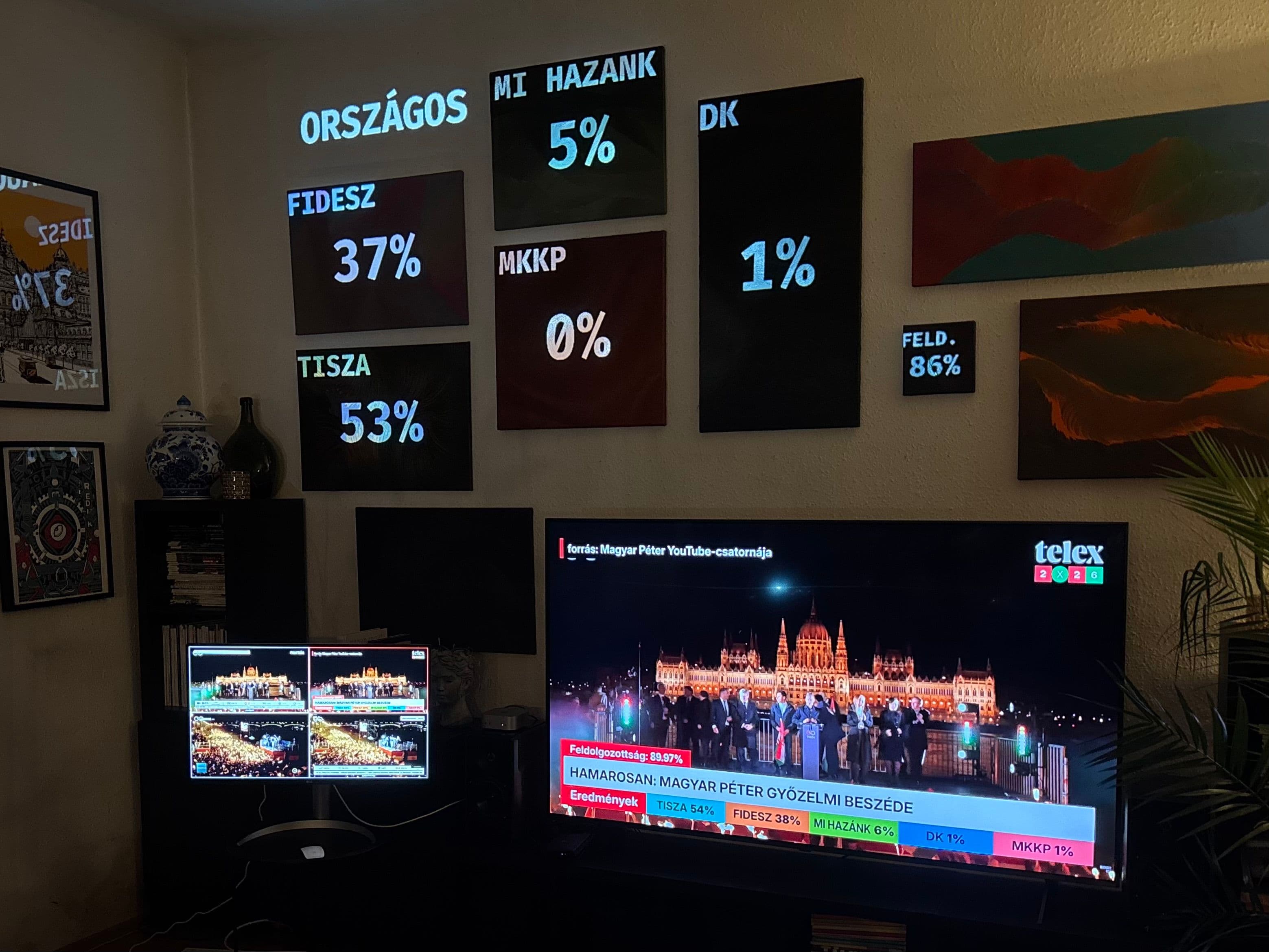
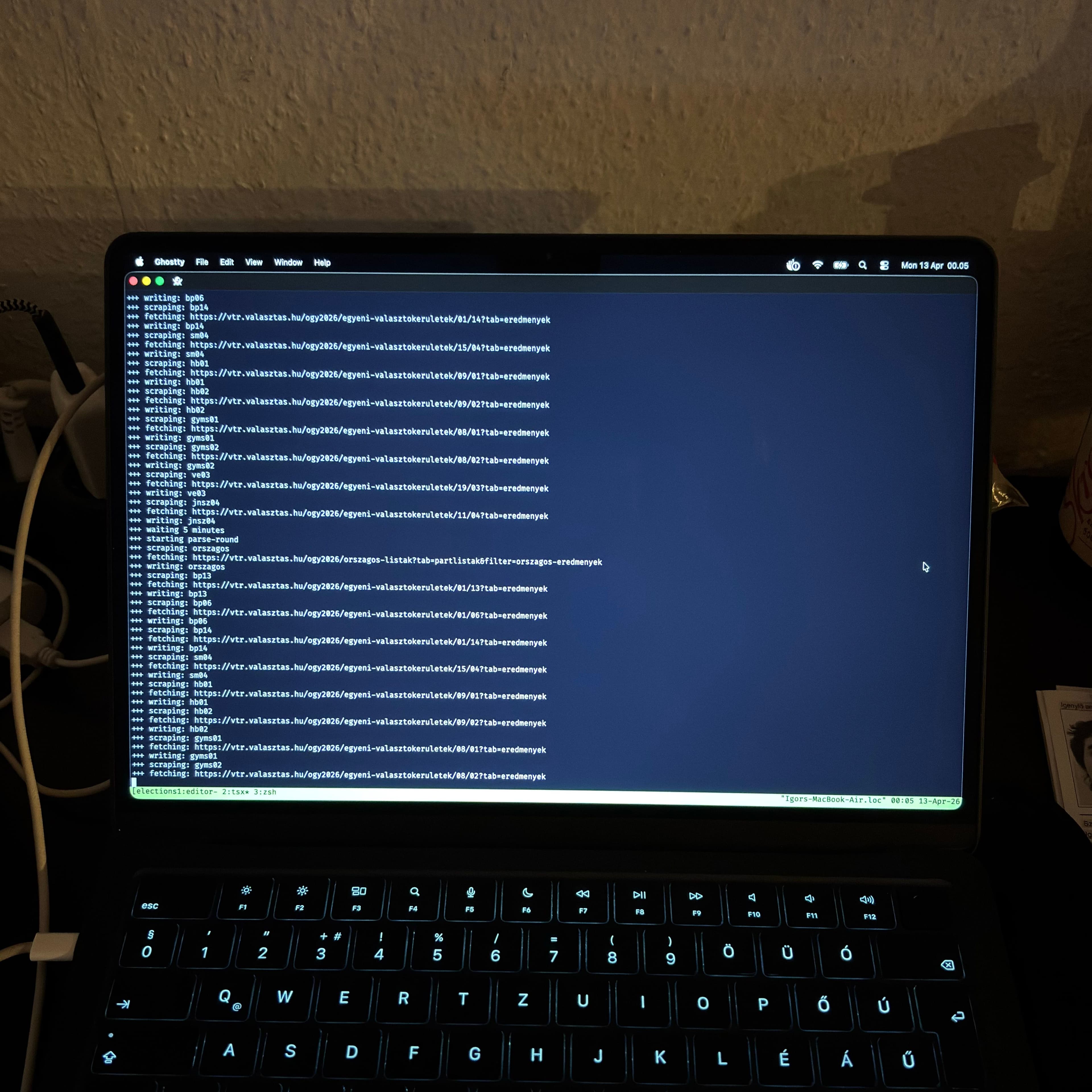
This part of the setup was powered by two computers: one running the projector and the mapping, and another parsing the data from the election office's website. OBS was once again the software used to display content; here, I made a scene for each voting district that was of interest to me and my family. I then eyeballed the text boxes onto the paintings and pointed the values to files on a network share.
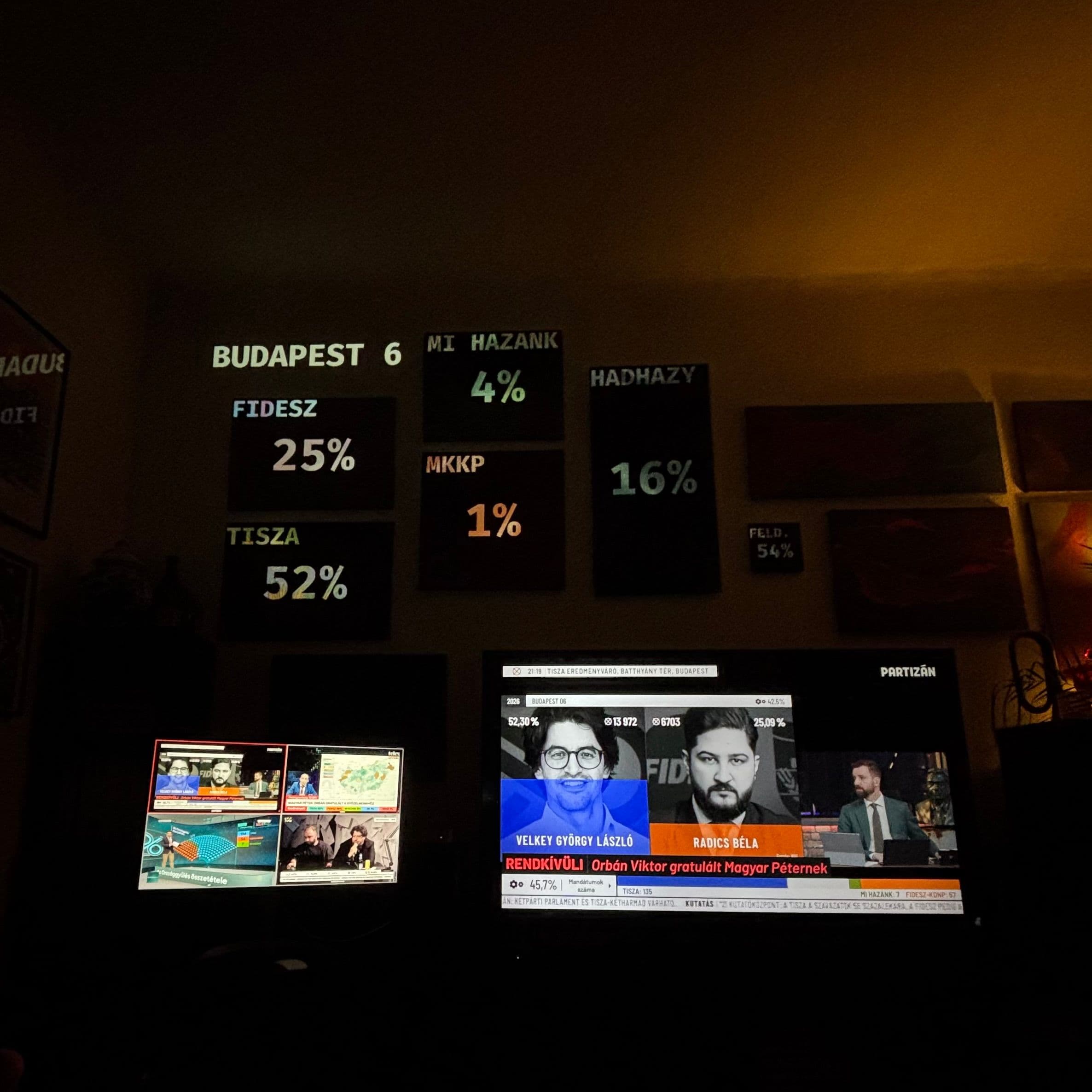
Unfortunately, the National Election Office keeps its XML document-based API private (only accessible to media outlets), so I had to turn to web scraping to get the data needed for the projections. I wrote a simple TypeScript program that utilised Puppeteer to visit the websites and write the data to files. I also made sure to keep the query selectors easily changeable, as I expected a new layout once actual data was released. My assumption was correct, but thanks to the adaptive nature of my script, I was able to resolve these issues in 15 minutes.
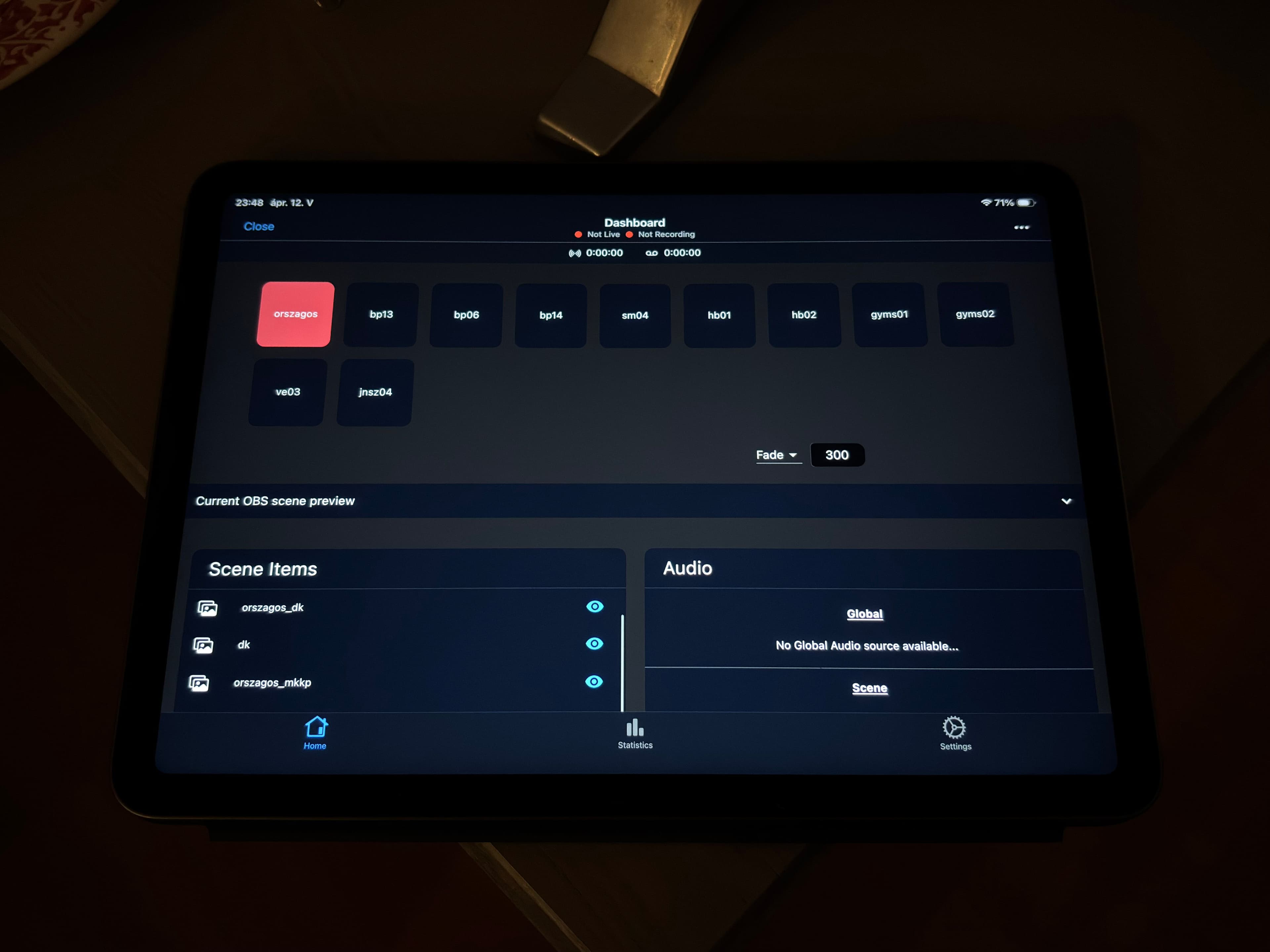
To control the projection and swap between districts from the comfort of our couch, I connected the projection OBS to my dad's iPad with the app OBS Blade. This made the setup feel even more professional. Unfortunately connecting the two OBS instances to a single app screen was not possible with off-the-shelf applications.
Conclusion
This setup performed perfectly and made the experience of the historic election night even more elevated and joyful for everyone at home. My head is already full of ideas for the next elections with more custom software and even more displays.